Showing posts with label GitHub. Show all posts

Monday, November 7, 2022

Git - Reset or Revert pushed commits on master branch

Following are the steps to revert to a specific commit.

First get the commit hash, suppose I want to revert to 474412f. 
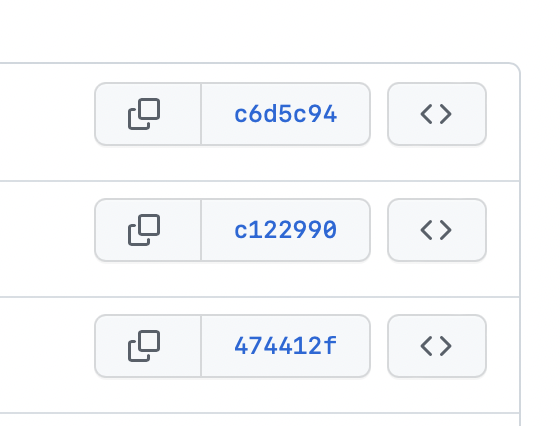


Following are the commands:

git checkout main

git reset --hard 474412f

git push --force origin 474412f:main


Suppose your branch name is master then give master instead of main


When you push, you may confront with the error: Repository not found.


Then execute the following commands:


git remote remove origin

git remote add origin https://USERNAME:GENERATED_TOKEN@github.com/..REPO_PATH../REPOSITORY.git


Replace the CAPITAL text with proper text.

Then execute the push command again:

git push --force origin 474412f:main


Monday, April 27, 2020

iOS - CICD Automate Test Flight submission using GitHb Actions


From 2019, GitHub introduced GotHub actions.

So without any third party we are able to automate our deployment process for our private and public git repositories.

We can create workflow (a yml file) to trigger when push to specific branch etc...

This https://engineering.talkdesk.com/test-and-deploy-an-ios-app-with-github-actions-44de9a7dcef6 is a very good tutorial for do this process.

By adding .yml workflow file, we can automate the process of check out source, make build, signing process and submit ipa to test flight.

When you go through the above link, you may face some issues

To see our actions working or not, you will get mail form GitHub if any failure, or you can look at the  repositories' 'Actions' (4th) tab. first is 'Code' tab.

Don't forget to set read/write permission for the script file (.sh files)

---Update 1

If you need to update your build number automatically, then use